
Fast answer: if you are an employee, voluntary member, self-employed member, OFW, pensioner, or loan applicant, use the My.SSS member registration page or the My.SSS sign-in page reached from the official SSS website. If you handle payroll, use the My.SSS employer portal. Keep this rule simple: member portal for your own SSS record; employer portal for employee reporting and contribution remittance.
Public SSS screens checked 11 October 2026. Use the official website and current account instructions if a menu label changes.
Open the correct SSS page
| If you need to... | Open this official page | What to click first |
|---|---|---|
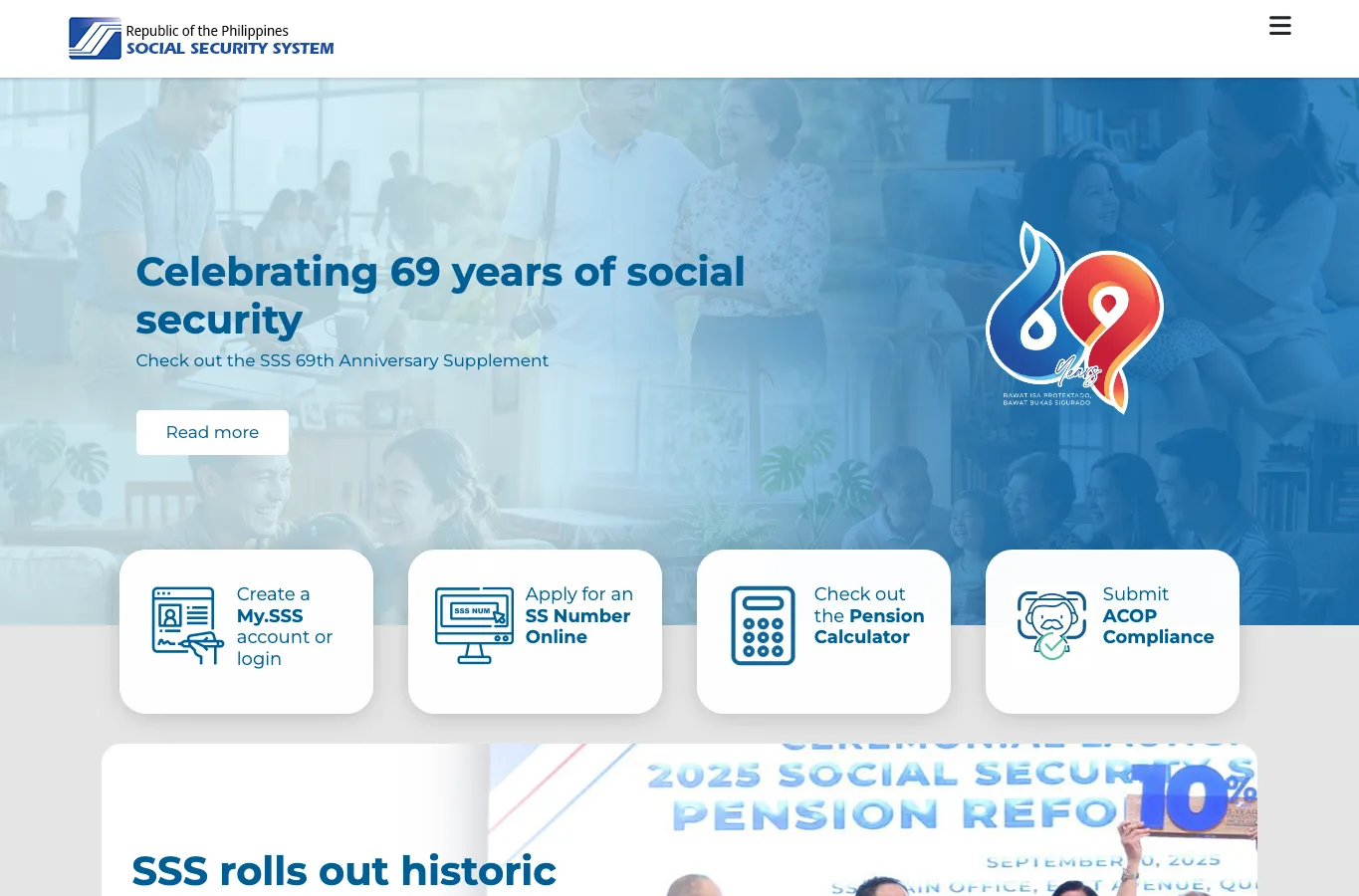
| Create or open your own member account | SSS homepage or member registration | “Create a My.SSS account or login”, then Member if asked. |
| Sign in as payroll, HR, or a company officer | My.SSS employer portal | User ID and password for the employer account, not your personal member account. |
| Register an employer account | My.SSS registration choices | Employer, Household Employer, or Coverage & Collection Partner. |
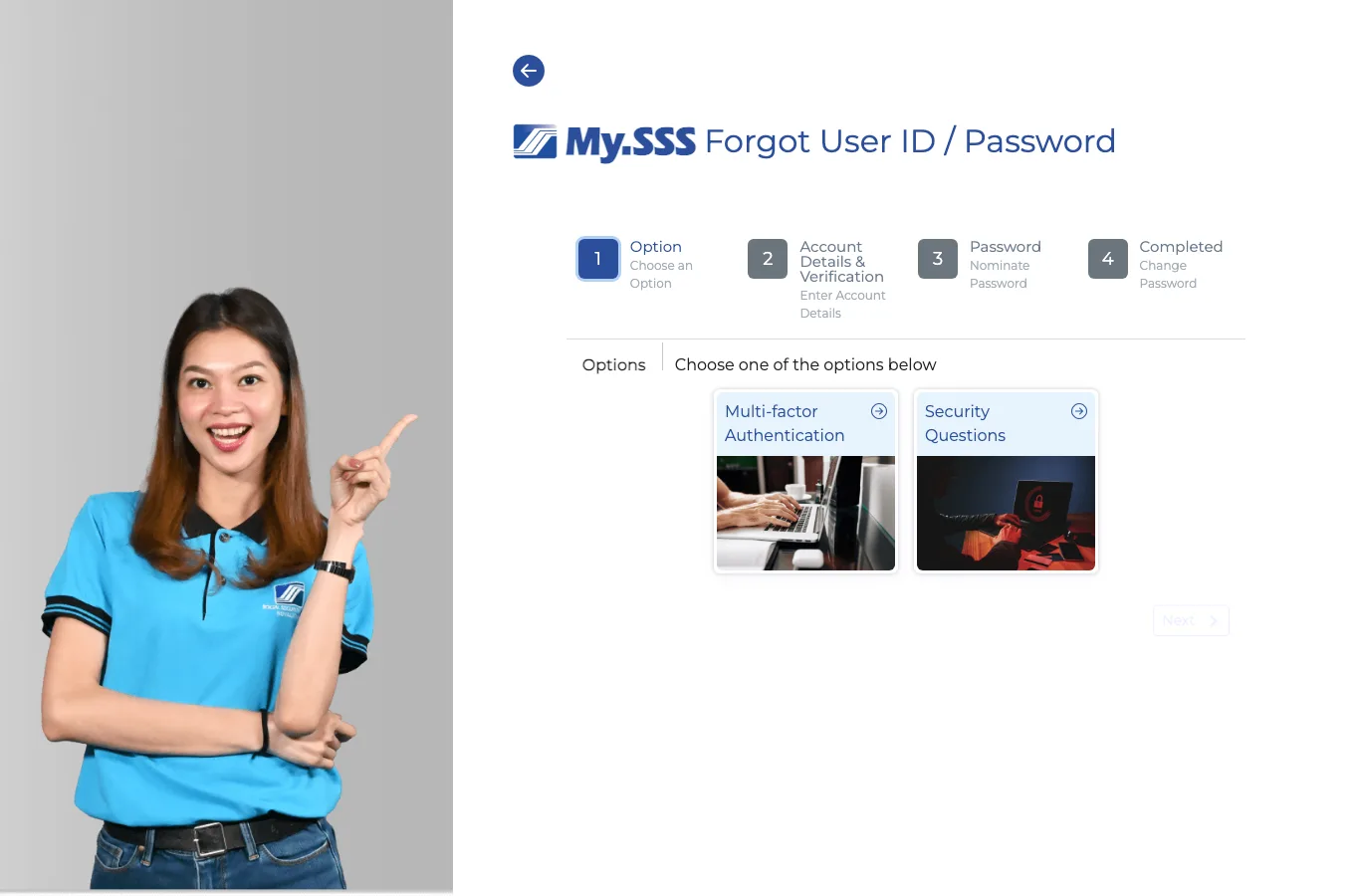
| Recover access | Forgot User ID / Password | Multi-factor Authentication if you still own the registered mobile/email. |
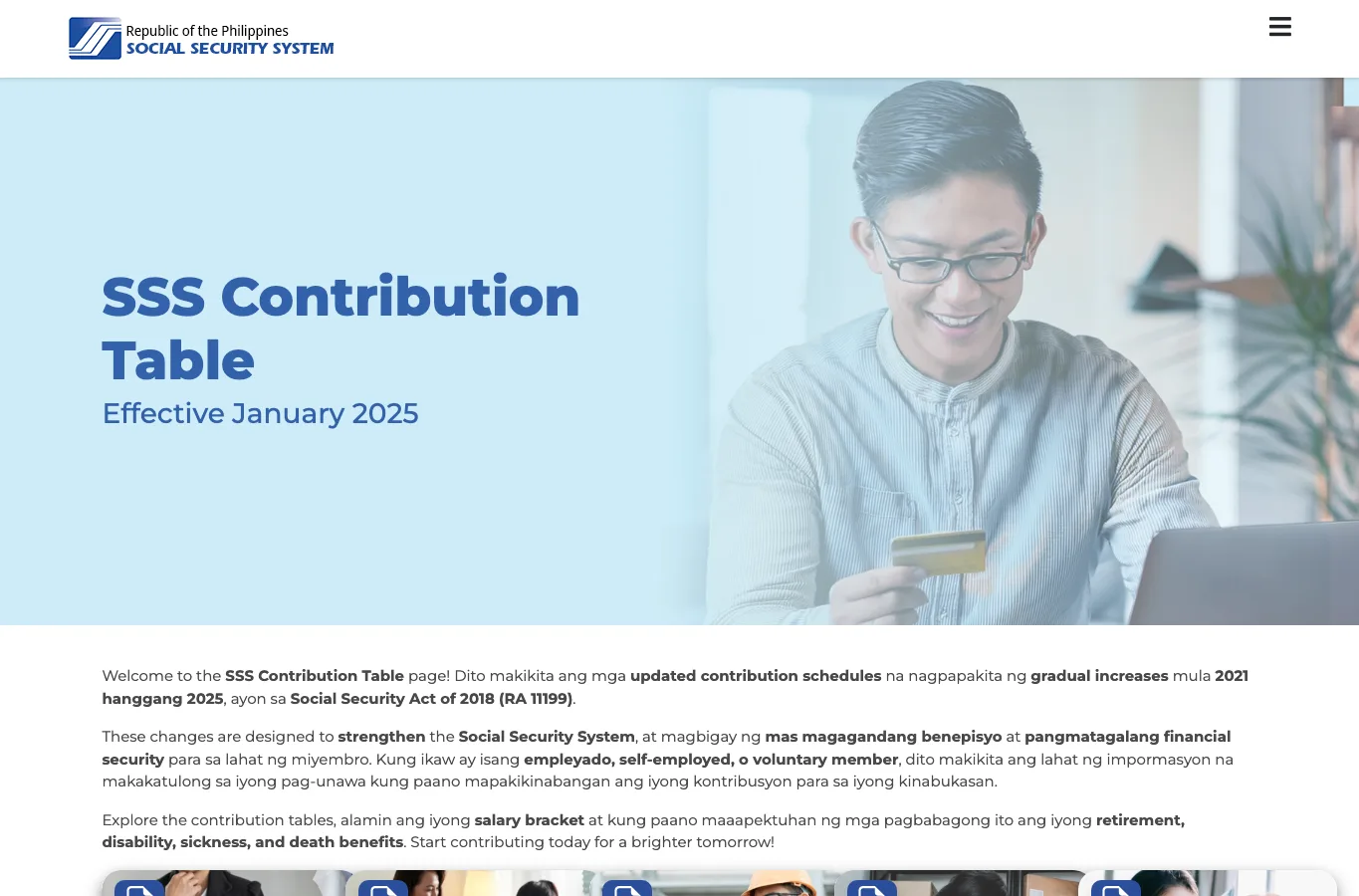
| Check the official contribution amount | SSS Contribution Table | Your member type and Monthly Salary Credit bracket. |
- Choose your portal
- Register as a member
- Check contributions and PRN
- Employer portal
- Fix login problems
Which SSS portal should you use?
Pick the portal by the job you are trying to finish, not by the word “SSS” alone. The same My.SSS brand appears on member and employer pages, so many people open the wrong one and then think their SSS number does not exist.
Member portal
Use this for your own contributions, PRN, salary loan, calamity loan, benefit claims, UMID/SSS card items, contact details, and password reset.
Employer portal
Use this for employee reporting, Contribution Collection List/R-3, payment PRNs, loan collection, sickness or maternity reimbursement, and employer records.
Locked out or stuck
Use the forgot User ID/password page. Choose multi-factor authentication if your registered mobile or email still works; use security questions if MFA is unavailable.
How to register for a My.SSS member account
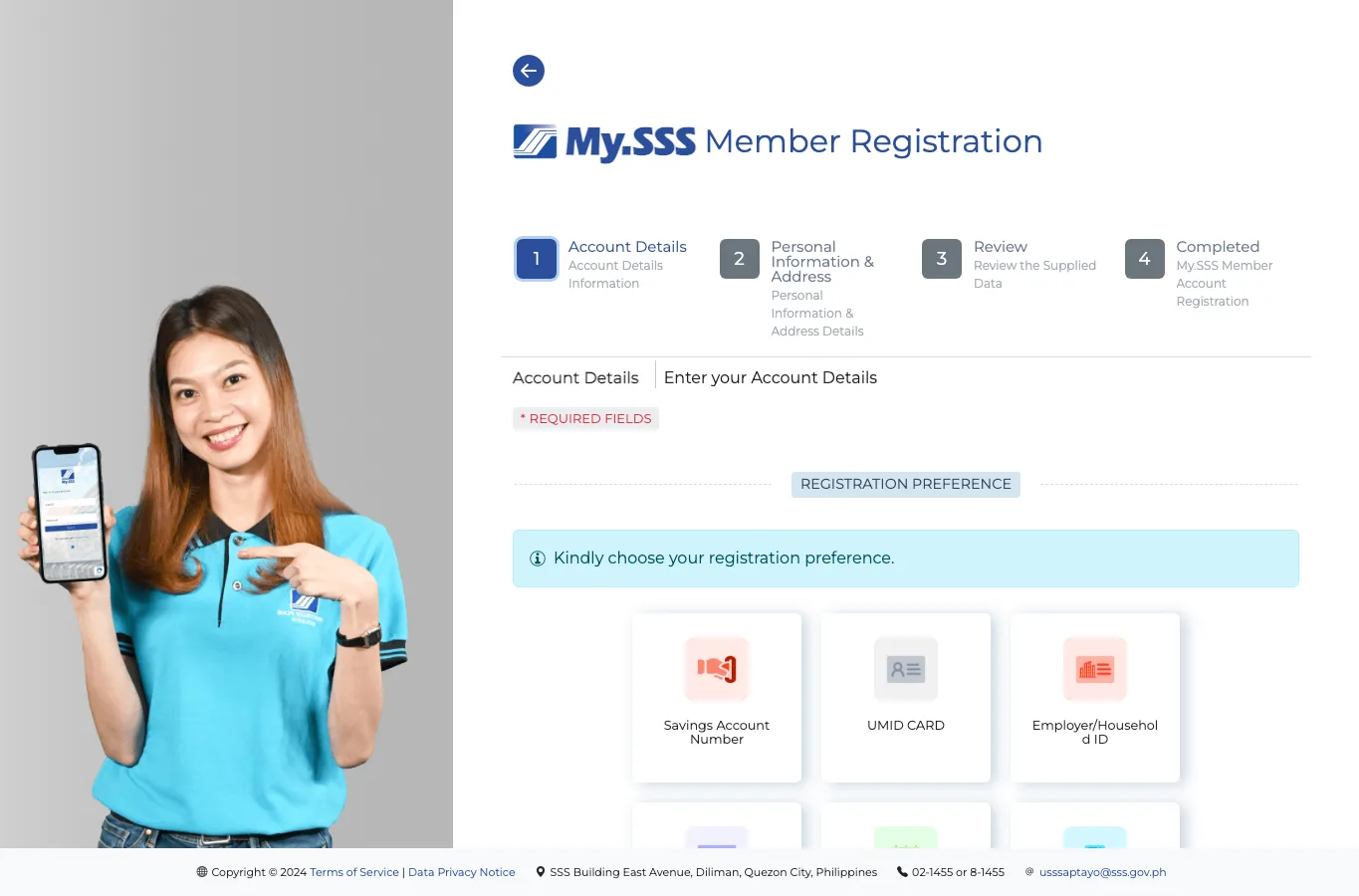
You can create a member account if you already have an SS number or registration reference. The official SSS membership page says online registration is mandatory for new prospective employee, self-employed, non-working spouse and OFW members, and that the email link for new SS number applications is valid for five calendar days. If the link expires, submit a fresh online application through SSS rather than reusing the old email.
- Open the official SSS website and choose Create a My.SSS account or login, or go directly to the My.SSS member registration page.
- Choose the registration proof you can actually verify, such as savings account number, UMID card, employer or household employer ID, payment reference number, or mobile number registered with SSS.
- Fill in the account details exactly as they appear in your SSS record. If the system rejects your data, do not keep guessing; check the number you used and try another registration preference.
- Complete the personal information and address screen, review the details, then submit.
- Open the confirmation email and finish the password/security step before the link expires.
What you can do inside the My.SSS member portal
Once you are signed in, most people should do these in order: check their profile, check posted contributions, generate or view a PRN if they pay directly, then apply for loans or benefits only after the record looks correct.
| Task | Where to look | What to check before leaving the page |
|---|---|---|
| Check contributions | Inquiry or Contributions area | Employer name, month posted, amount, and whether recent months are missing. |
| Generate PRN | PRN or Payment Reference Number section | Member type, applicable month or quarter, amount, and due date. |
| Salary loan | Loans or E-Services section | Posted contribution count and whether your employer needs to certify the loan. |
| Benefit claims | Benefits or claim filing section | Eligibility months, bank/disbursement account, documents and employer certification. |
| Contact update | Member info or profile section | Email and mobile number, because these affect OTP, MFA and password recovery. |
How to check if your SSS contributions are posted
Open the member portal, sign in, and look for Inquiry or Contributions. Read the table like a payslip audit: month, employer, amount, and posting status. If a month is missing, save a screenshot of your SSS record and compare it with your payslip. If your employer deducted SSS but the portal shows no posting, ask payroll for the payment reference or contribution collection proof.
For the amount itself, compare the posted month with our SSS contribution table 2026. If you are self-employed, voluntary, or an OFW, pair this page with how to pay SSS contributions online before you generate a PRN.
How to generate or use an SSS PRN
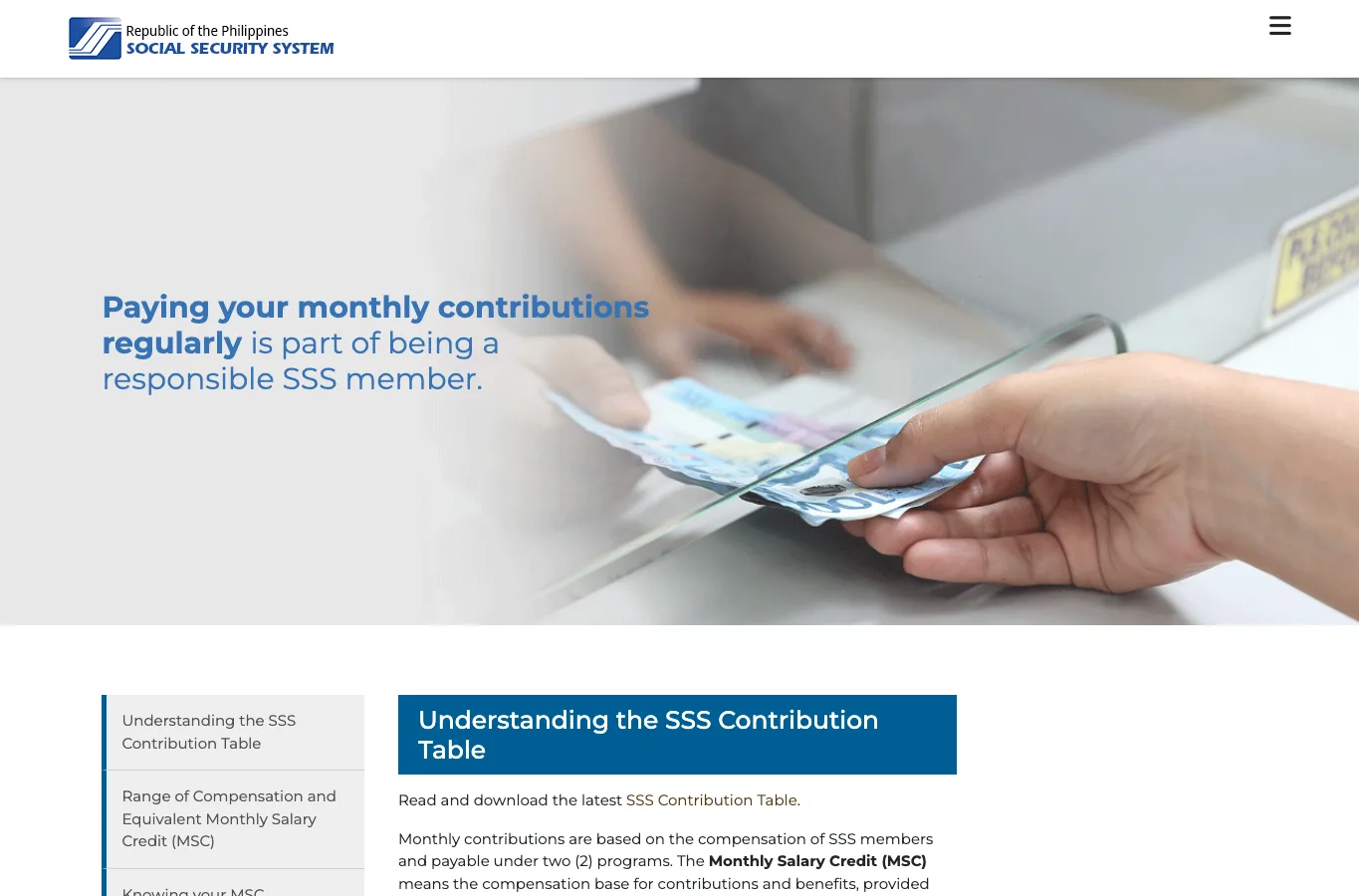
A Payment Reference Number is the code that tells SSS which member, period and amount your payment belongs to. The official SSS Pay Contributions page says the PRN system requires registration/enrollment through My.SSS and mandatory use of the PRN when paying contributions through any payment channel. For an individual member, generate the PRN before paying. For an employer, generate or review the employer PRN before remitting payroll contributions.
- Confirm the amount first using the official contribution table or our 2026 SSS contribution table guide.
- Open My.SSS and go to the PRN section.
- Select the correct member type and applicable month or quarter.
- Save the PRN before paying through GCash, Maya, bank, SSS payment facility, or another accredited channel.
- After payment, return to the member portal and confirm that the month appears in your contribution record.
Need the SSS employer portal?
Use the company account for employee reporting, electronic contribution lists, contribution PRNs, loan remittance and benefit reimbursement. This is separate from your personal member account. For the full registration and monthly payroll workflow, use the SSS employer portal guide.
Checking whether your employer paid your own contributions? Stay in the member portal and follow the contribution inquiry steps above.
What to do when the SSS portal will not work
Most SSS portal problems fall into four buckets: wrong portal, wrong identifier, outdated email/mobile, or a temporary website issue. Check the account type, identifier and contact record before retrying.
| Problem | Likely reason | What to do next |
|---|---|---|
| “SSS number does not exist” | You may be on the employer page, using the wrong format, or your record is temporary/incomplete. | Return to the member registration page and try another registration preference. If the record still fails, contact SSS or visit a branch with ID. |
| Forgot User ID or password | You have an account but cannot authenticate. | Use the forgot page. Choose Multi-factor Authentication if your email/mobile works; use security questions if not. |
| No OTP or MFA code | Old mobile/email in SSS record, inbox filtering, or network delay. | Wait a few minutes, check spam, then update contact details through SSS if you no longer own the number or email. |
| Employer cannot see an employee | Employee was not reported correctly or record is under another employer/account. | Check the employee SS number, Employment Report/R-1A details, and contribution list before filing corrections. |
| Contribution is missing | Employer has not remitted yet, payment has not posted, or PRN/details were wrong. | Save a portal screenshot, compare with payslip, and ask payroll for the PRN/payment proof. |
| Portal is blank, slow, or keeps loading | SSS site outage, browser cache, network, or JavaScript issue. | Try again later, switch browser, use private mode, or use the SSS Mobile App. Never download random files pretending to fix the portal. |
Safety checklist before you type your SSS password
Only use official SSS domains: sss.gov.ph, member.sss.gov.ph, and employer.sss.gov.ph. Do not enter your SSS password on blog pages, Facebook comments, shortened links, Google Drive forms, or “assistance” pages that ask for your login.
- Check the address bar before typing your User ID and password.
- Do not share OTPs, MFA codes, or security-question answers with anyone.
- Use a fresh screenshot for proof, but cover your full SS number before sending it to payroll or support.
- Update your email and mobile number while you still have access. Waiting until you are locked out makes recovery harder.
- For employer accounts, limit access to the payroll/HR people who actually remit and certify SSS records.
SSS portal vs SSS mobile app
The portal is better for forms, tables, employer work and screens you need to review carefully. The SSS mobile app is better when you only need a quick PRN, contribution check, loan status or reminder. The official SSS mobile app page lists contribution PRN generation, last login details, feedback, and other member services, so it is a useful backup when the website is slow.
| Use this | Best for | Watch out for |
|---|---|---|
| SSS website / My.SSS portal | Registration, employer tasks, reading contribution tables, careful review. | Can be slow during peak filing or payroll periods. |
| SSS Mobile App | Quick PRN generation, contribution checking, loan status and account checks. | Small screen makes long tables and employer work harder. |
| SSS branch / official support | Locked accounts, wrong personal data, temporary records, lost access to email/mobile. | Bring IDs and screenshots so the staff can see the exact issue. |
What to read next
If you opened the portal to check money, continue with the related numbers. Use the SSS contribution table 2026 to verify the right contribution amount, how to pay SSS contributions online to generate and pay a PRN, and the SSS salary loan calculator if your next task is borrowing. If you are checking payroll deductions, use the salary tax calculator to see SSS, PhilHealth, Pag-IBIG and withholding tax in one take-home pay estimate.
Sources and references
- Official SSS website (Republic of the Philippines Social Security System)
- Become an SSS Member (Republic of the Philippines Social Security System)
- Employer (ER) (Republic of the Philippines Social Security System)
- Pay Contributions (Republic of the Philippines Social Security System)
- SSS Contribution Table (Republic of the Philippines Social Security System)
- Download the SSS Mobile App (Republic of the Philippines Social Security System)